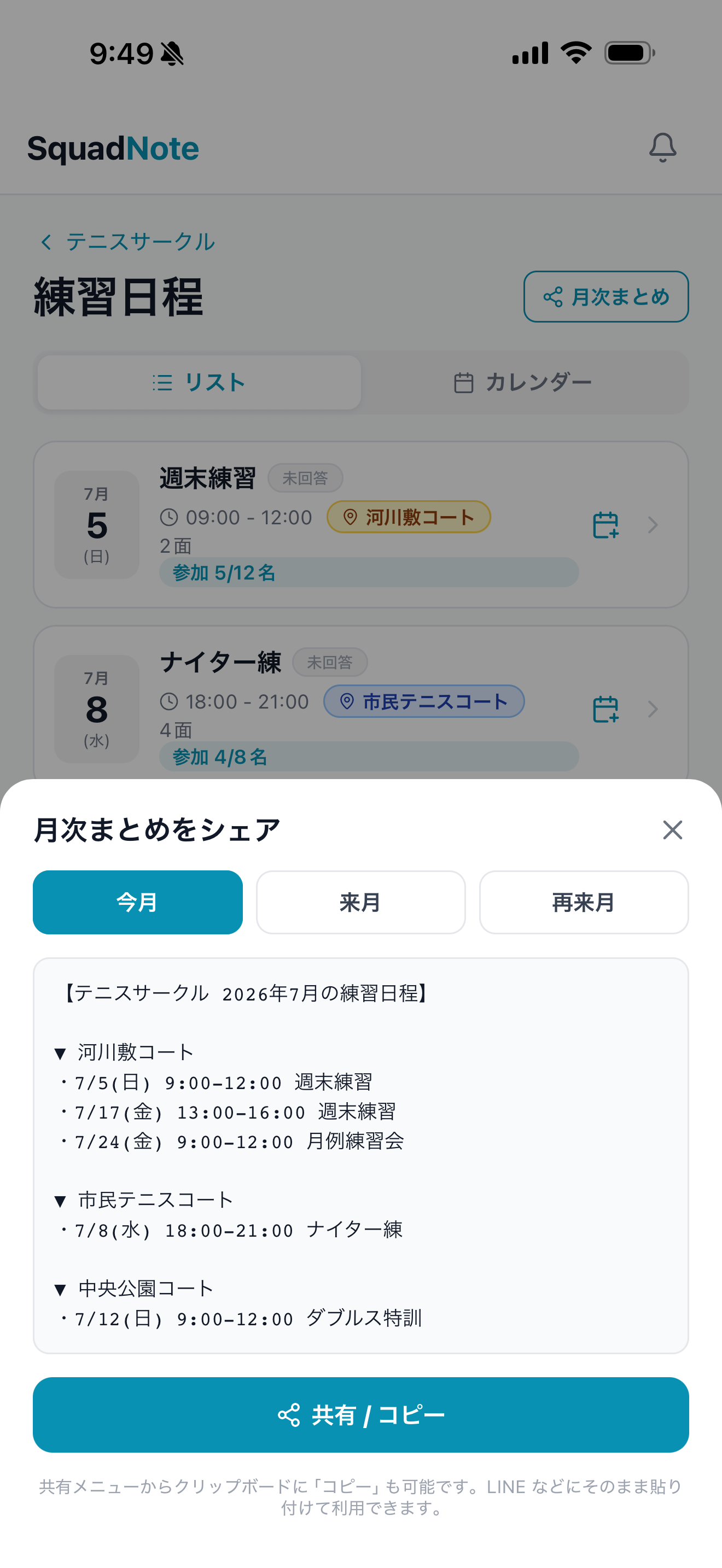
01 / Plan
Create schedules quickly
Add one practice or many, using the schedule information you already have.
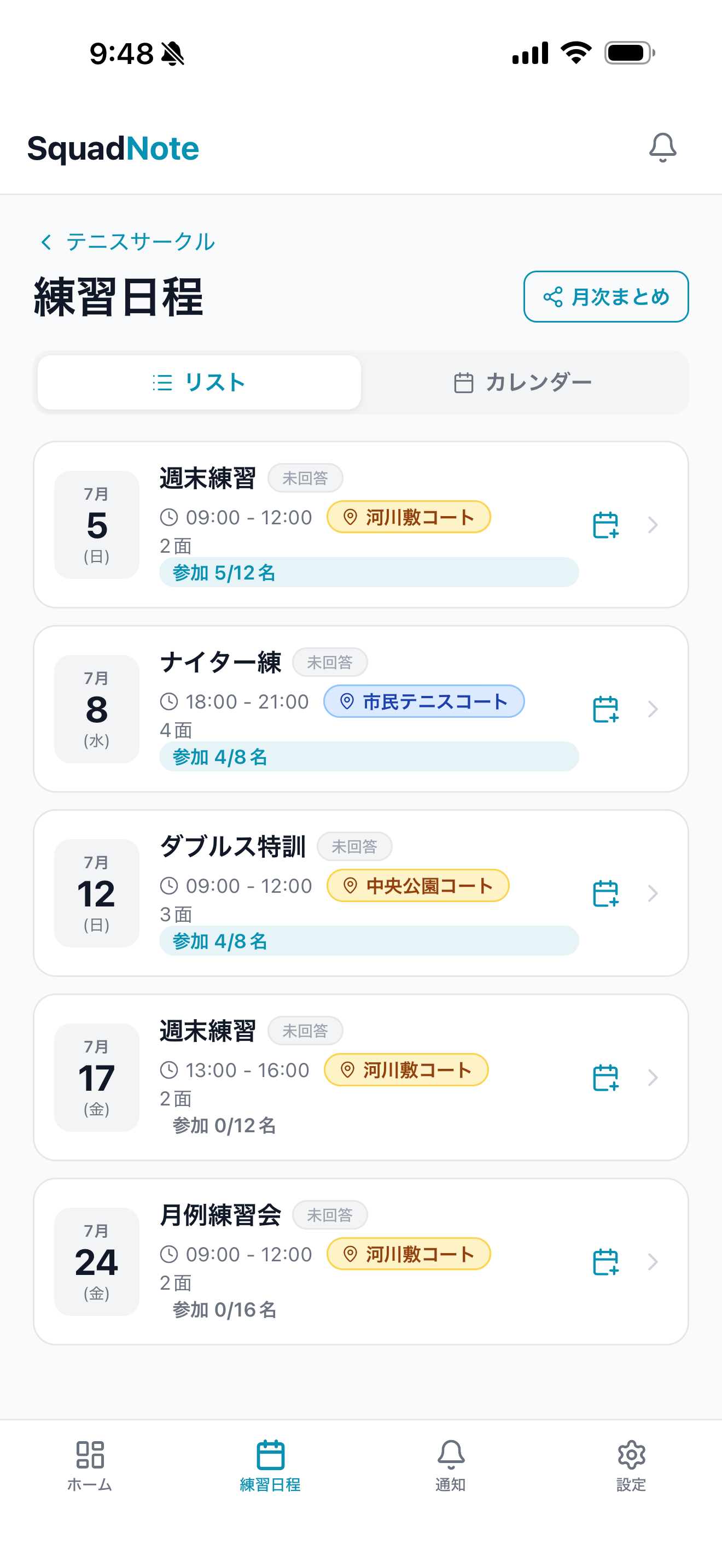
Calendar and multi-date entry
Review the month and create multiple practices together.
Paste from chat or notes
Paste text with dates and times, review the parsed result, and create all entries.
Saved places and templates
Reuse common places, times, capacities, and other practice defaults.
Details for each practice
Add an organizer, deadline, capacity, court count, tags, and notes when needed.